Unit · Modular wearable computing
One computer. Mobile, desktop and VR.
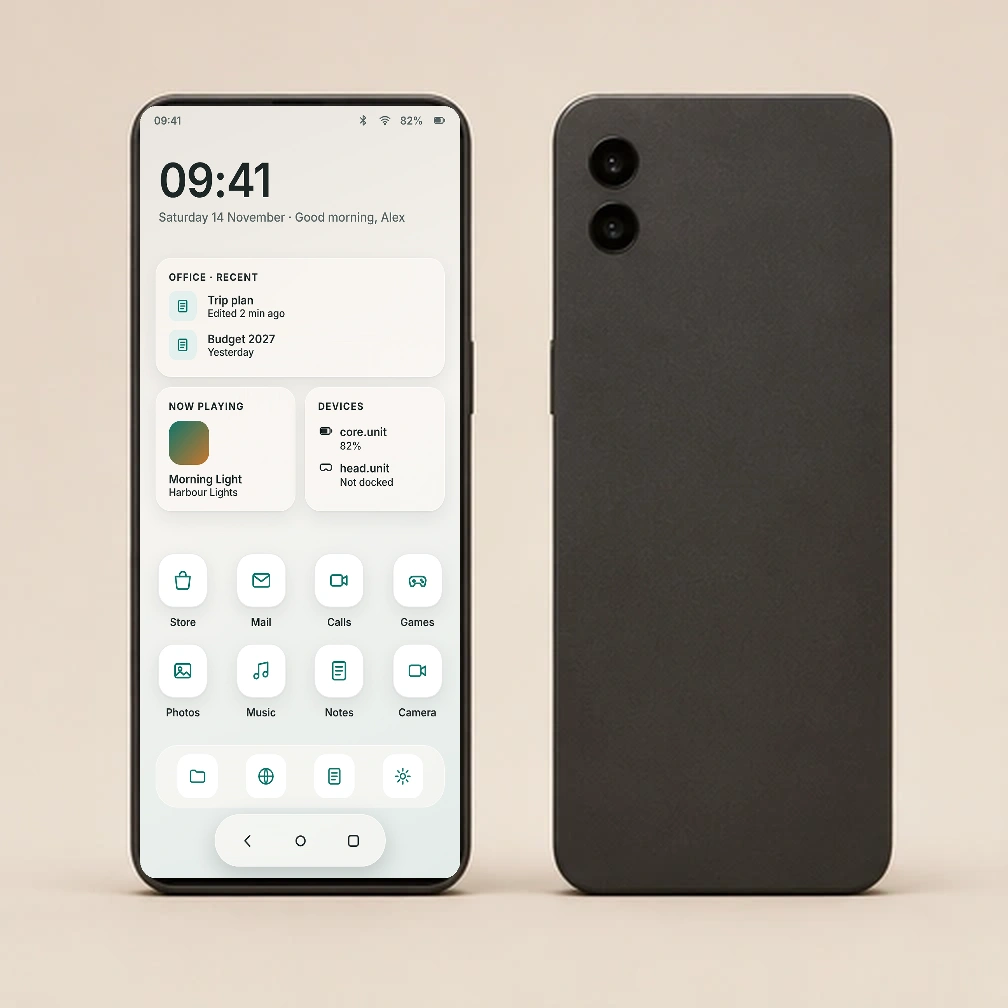
Use core.unit on its touchscreen, connect it to a desktop setup, or dock it into body.unit for wearable VR. All three modes run os.unit.
os.unit
One interface, three ways to use it.
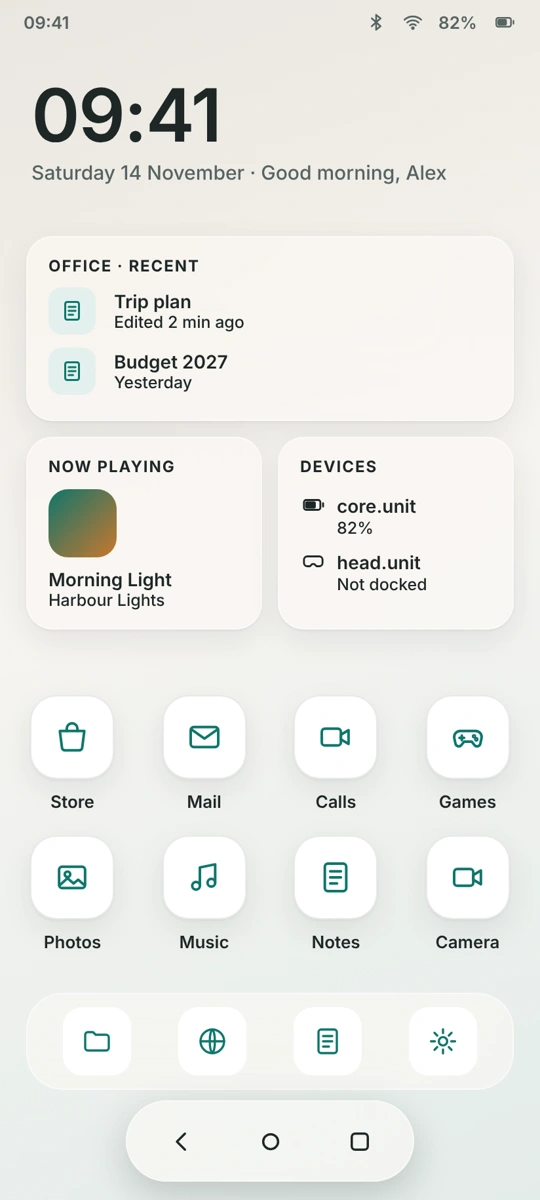
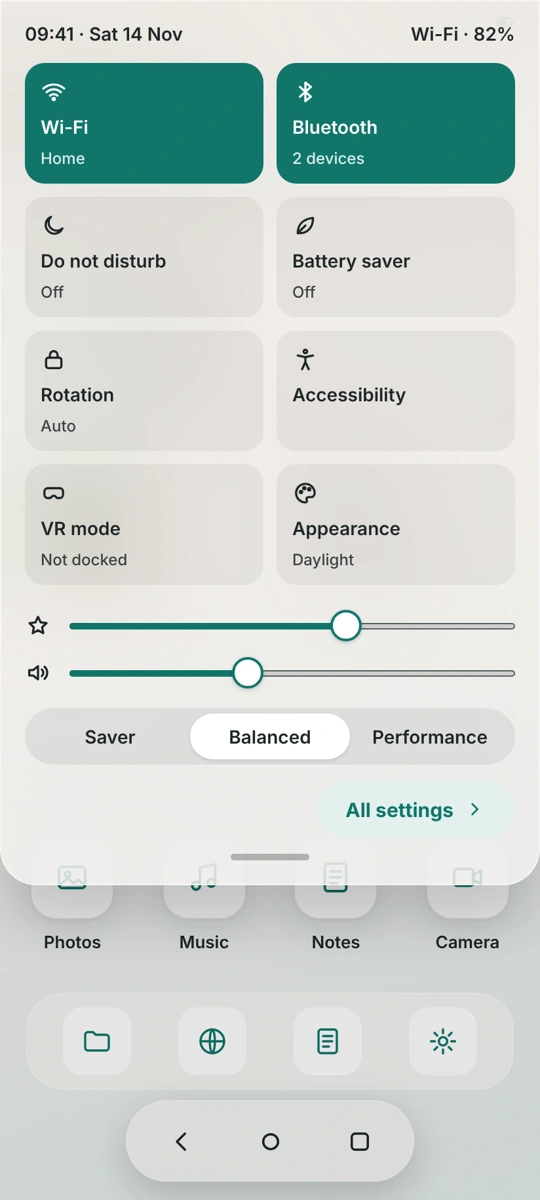
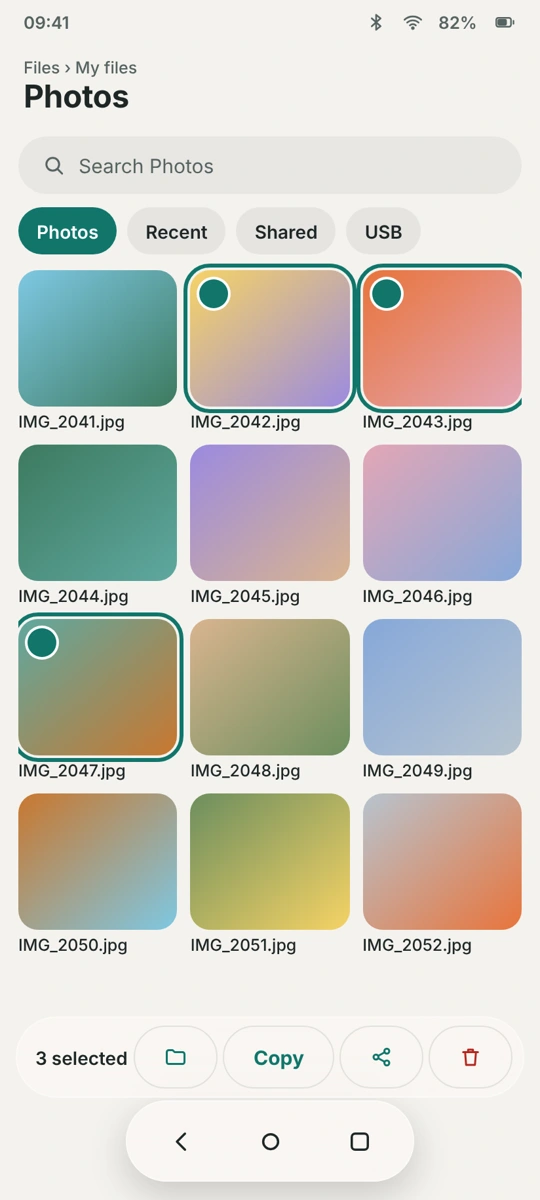
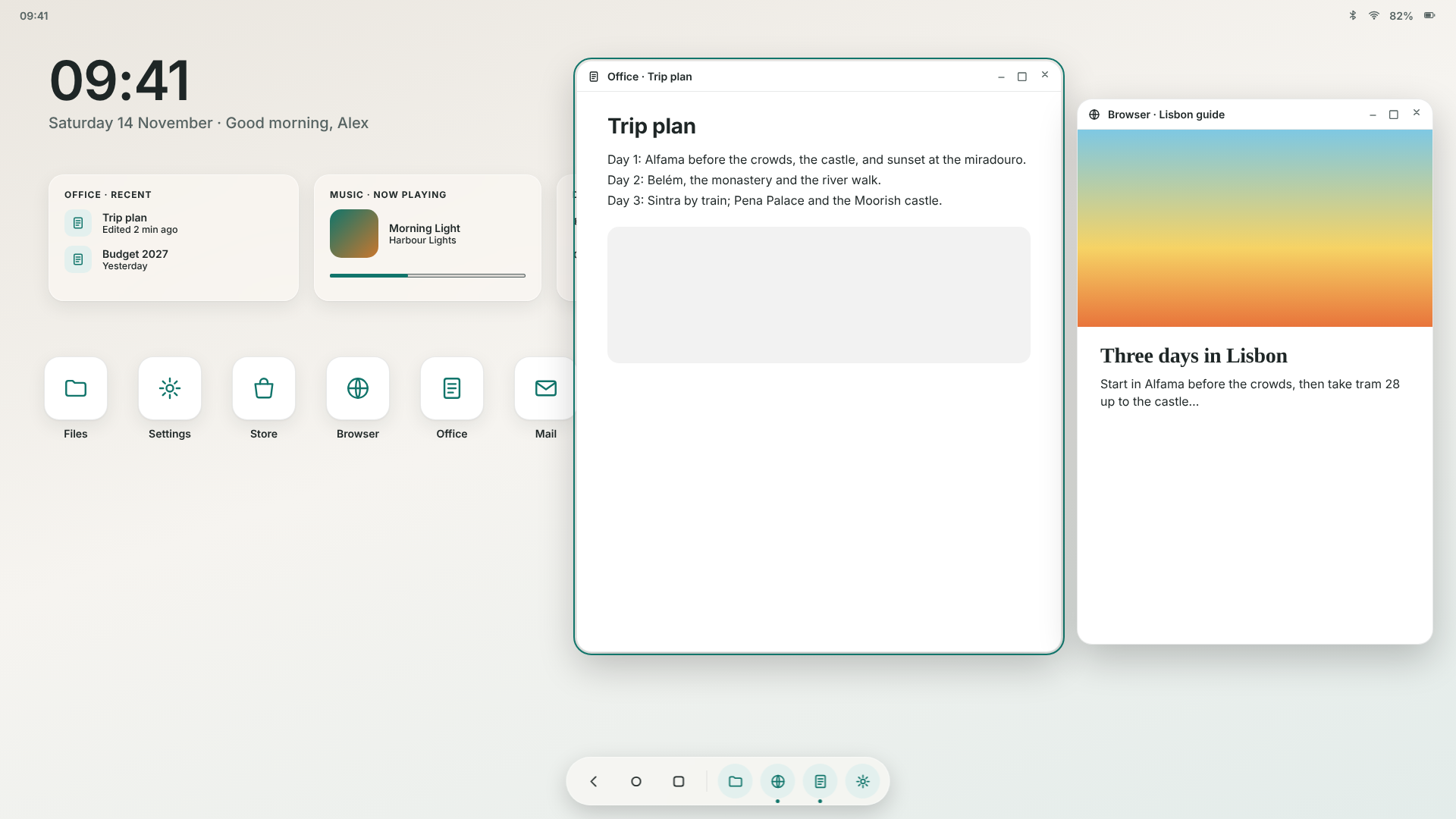
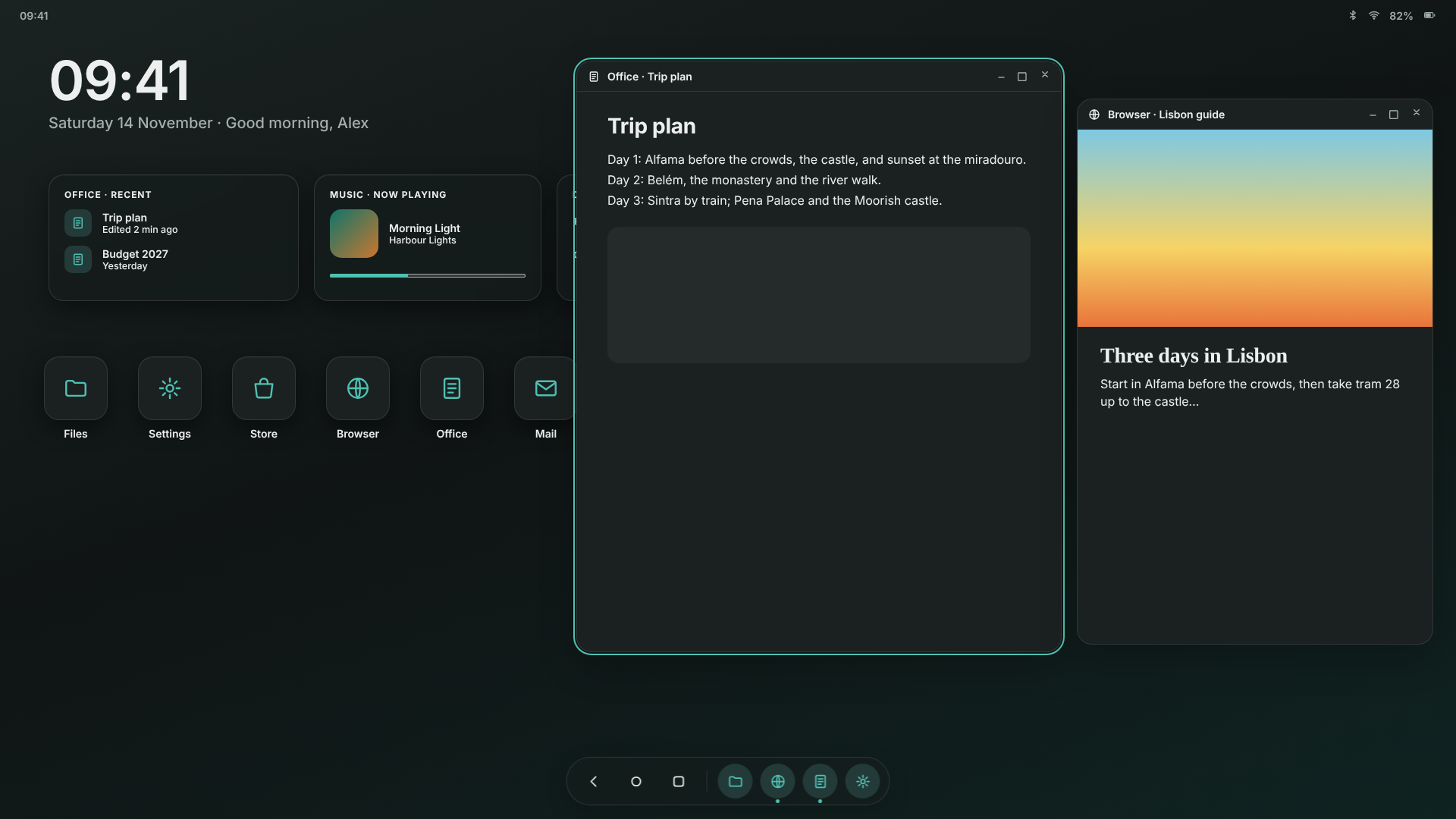
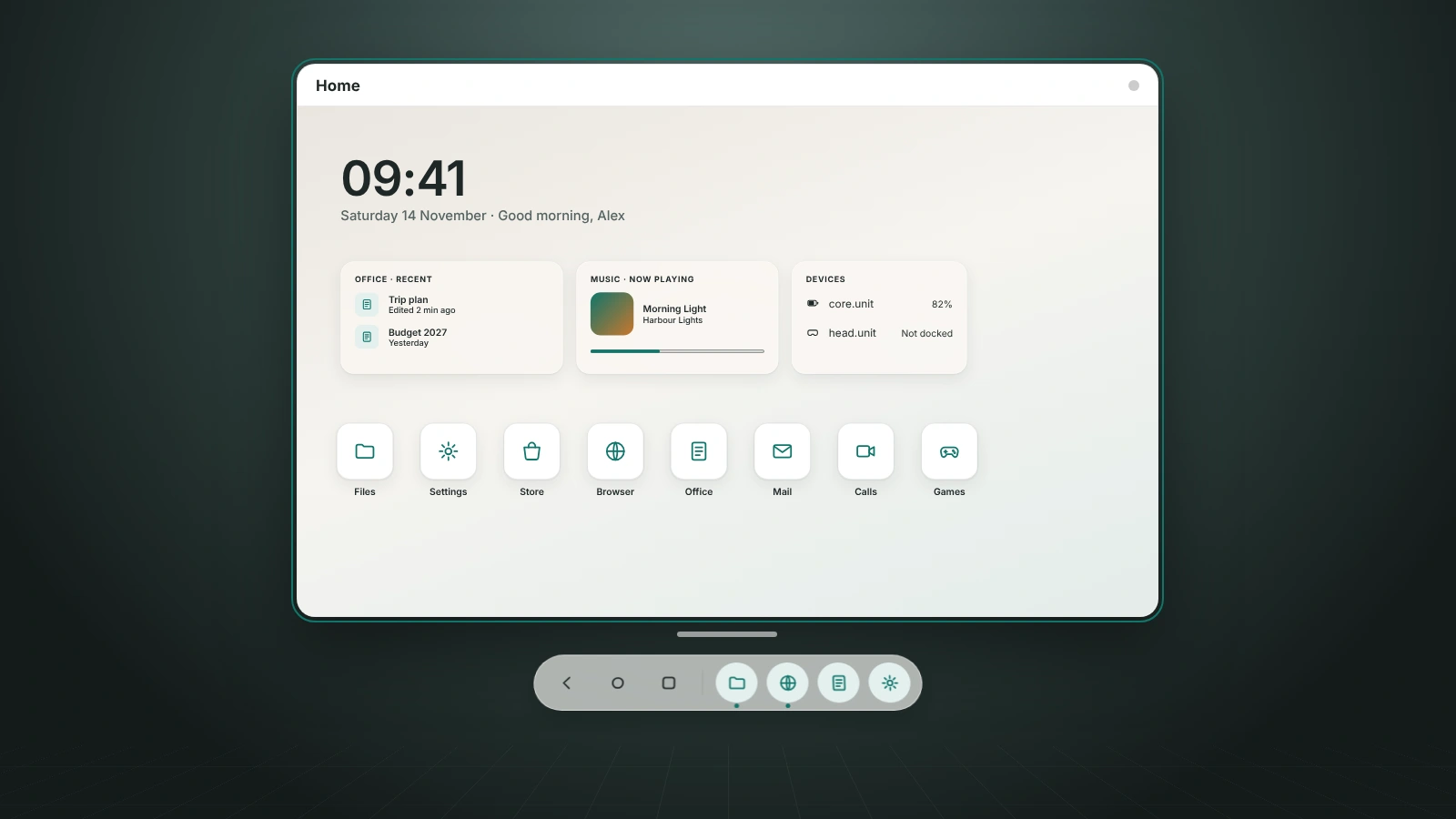
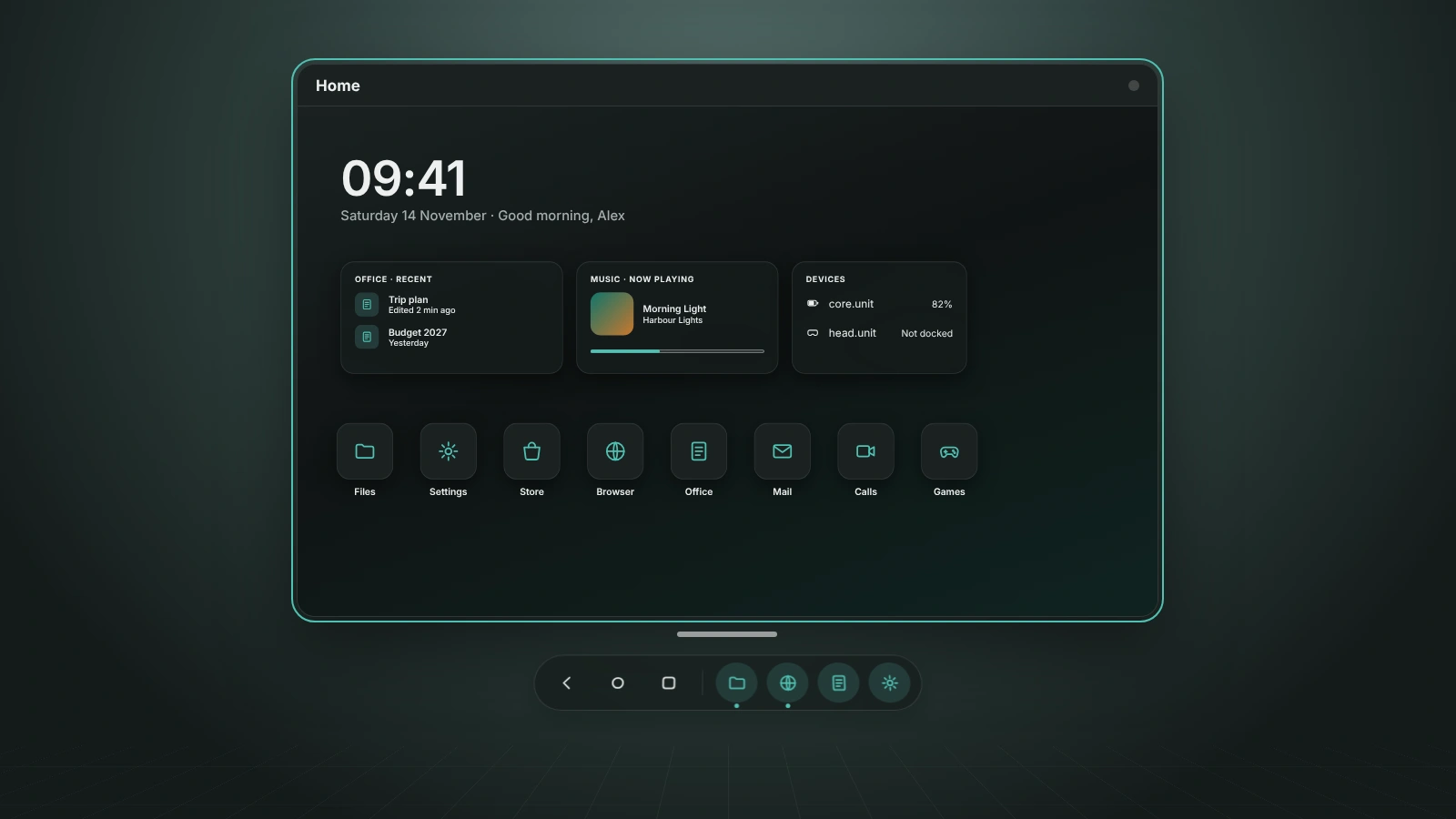
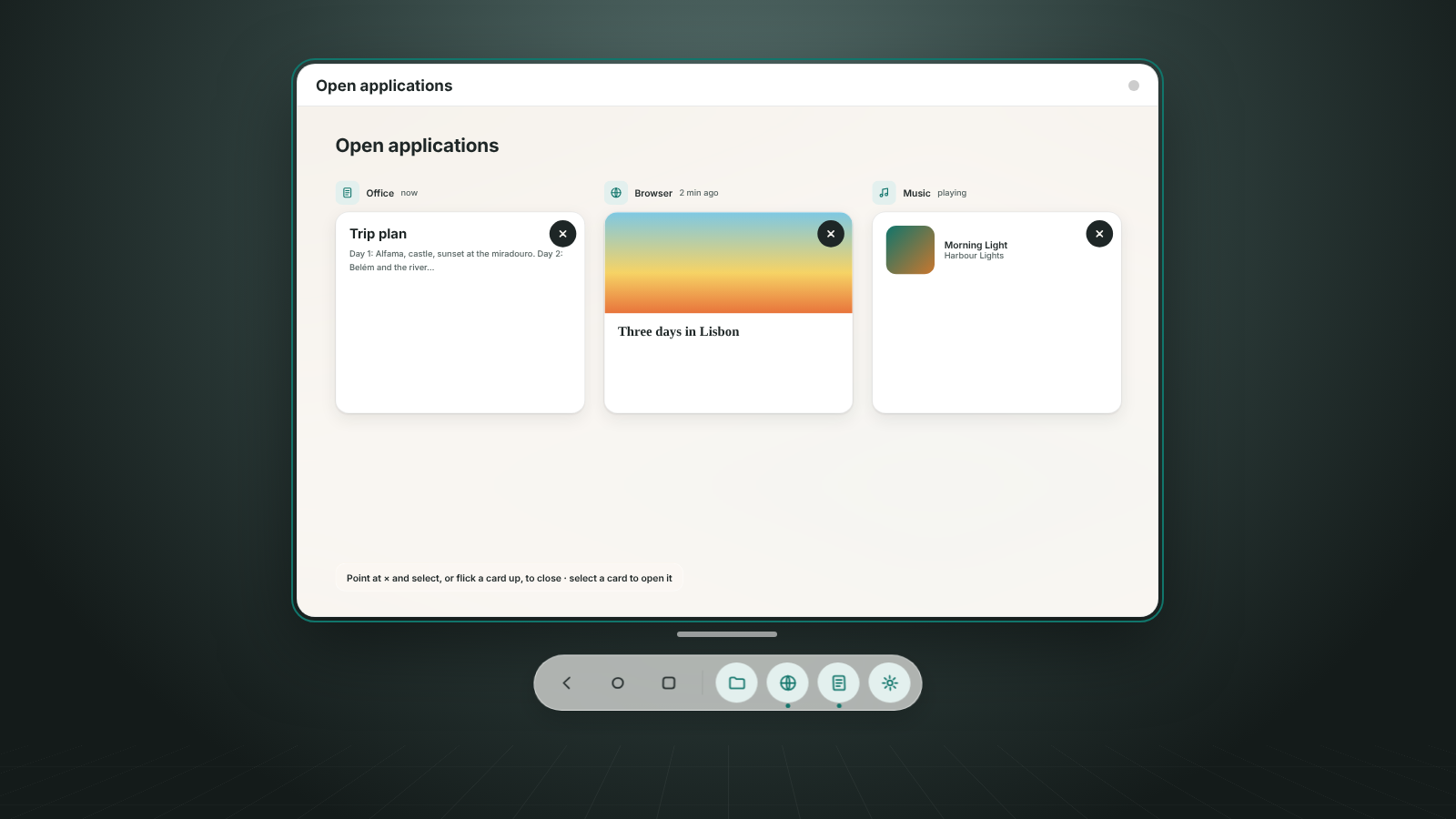
os.unit is designed for mobile, desktop and VR, with familiar Back, Home and Switch controls across the three modes.
Mobile
Use core.unit as a handheld touchscreen computer.
Desktop
Use os.unit in a desktop workspace with a monitor, keyboard and mouse.
VR
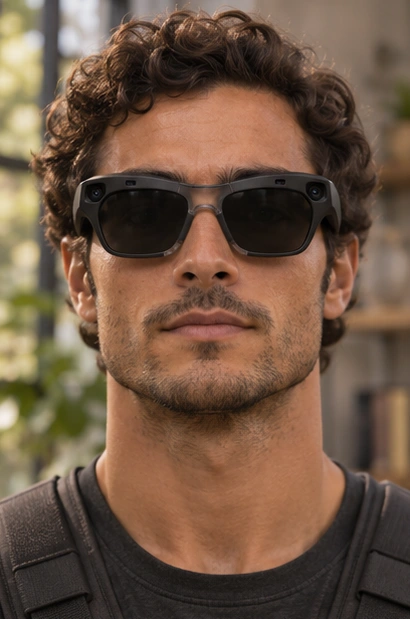
Dock core.unit into body.unit and use head.unit to enter a virtual workspace.
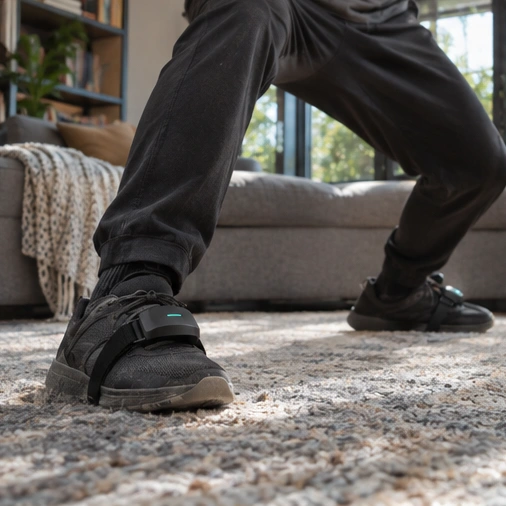
How the hardware connects
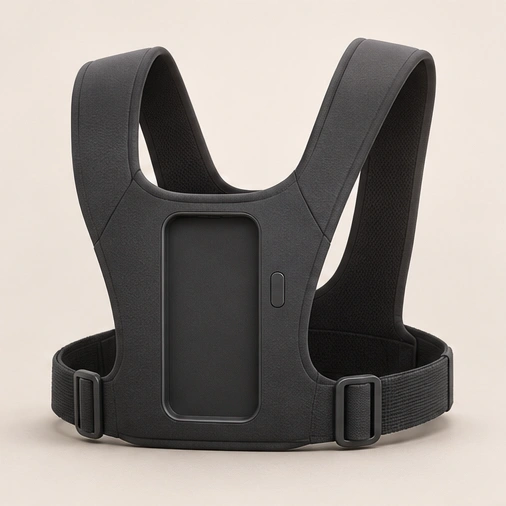
body.unit is the connection point for the wearable setup. It brings the computer, battery and glasses together on the harness.
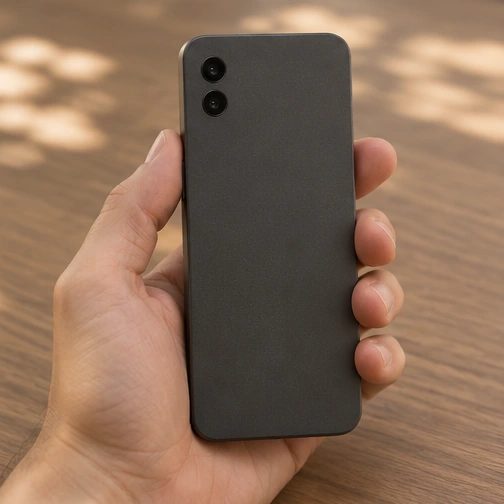
Compute at the chest
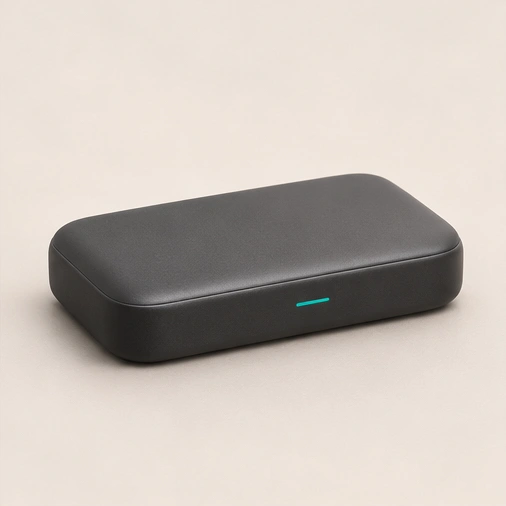
core.unit runs os.unit and provides the processing for the wearable setup. body.unit holds it against the chest so it stays accessible.
Power behind the shoulders
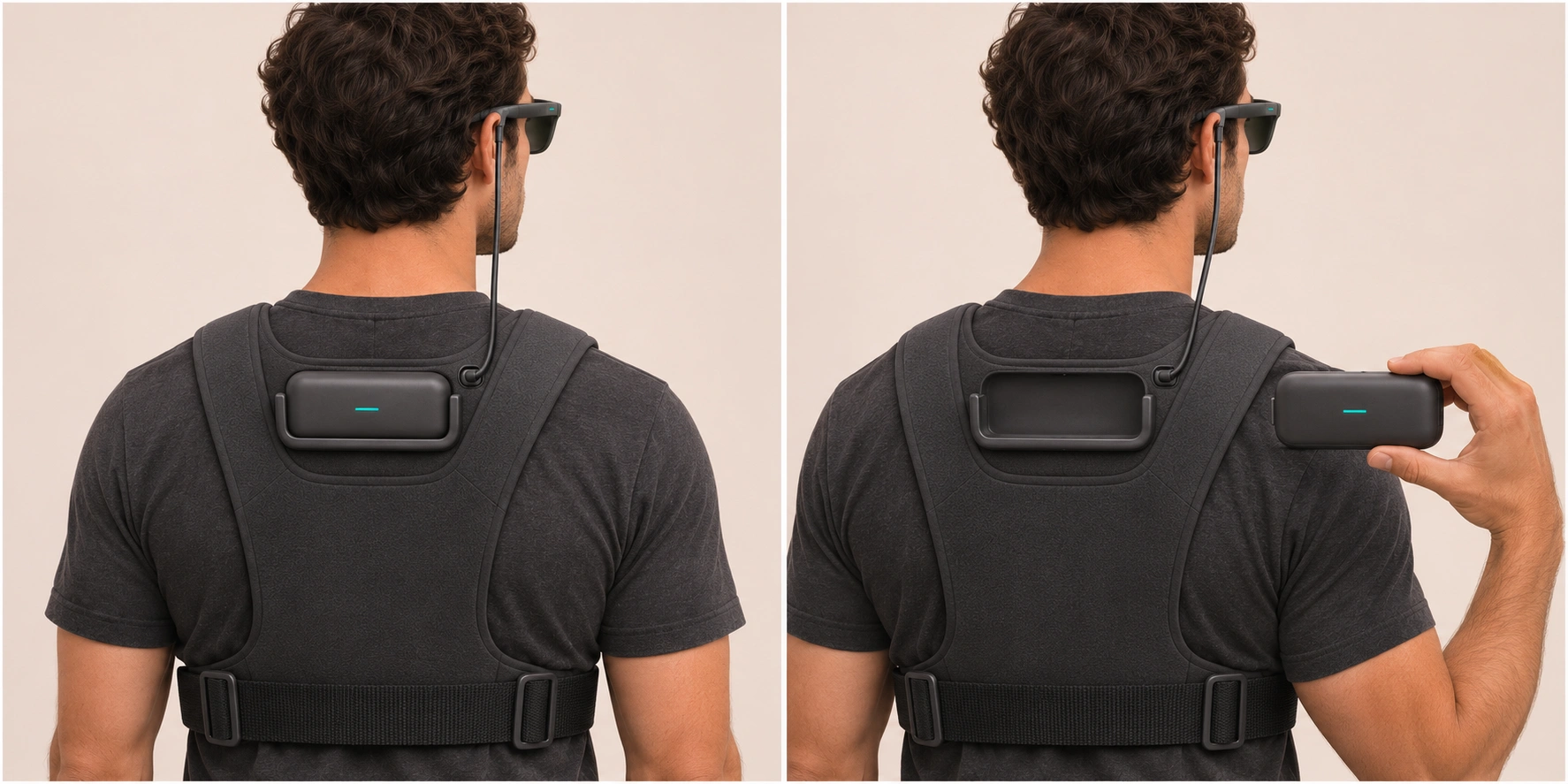
power.unit seats into the rear mount below the neck. The harness supports the pack and connects it to the rest of the system.
One short cable to the glasses
head.unit connects to a separate port above the battery mount. The cable carries power and data, while the processing stays on core.unit.
core.unit + body.unit
Press in. Lock flush.
The chest dock makes it possible to move the same core.unit between handheld use and the wearable setup.
Align the computer
Turn the touchscreen towards your chest and line up core.unit with the dock. The rear cameras face out.
Press it into place
Press core.unit straight into the mount until it sits flush with body.unit. The dock holds it in place while you wear the harness.
Release and lift out
Press the release button to push core.unit clear of the magnets, then lift it out to return to handheld use.
In development
Follow Unit’s development
Specifications, pricing and availability will be announced as development progresses.